Troubleshooting a Suddenly Ineffective Dishwasher
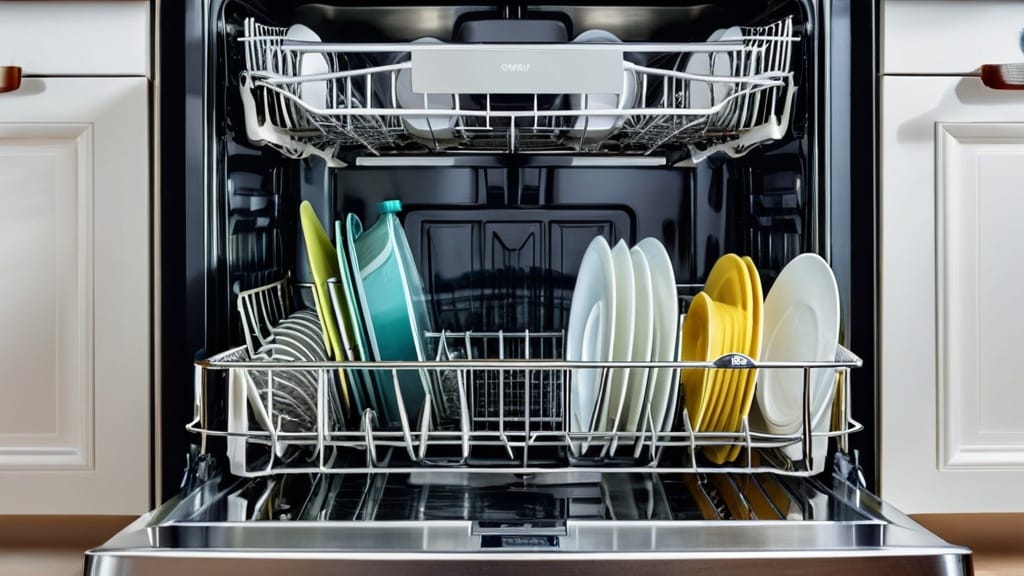
You reach for a clean plate, only to discover the remnants of last night’s dinner stubbornly clinging to its surface. The dishwasher, your trusty kitchen workhorse, has inexplicably failed to perform its fundamental duty. This situation, while frustrating, often has a straightforward cause that you can diagnose and resolve yourself. Approaching the problem systematically, much like a detective piecing together clues, will lead you to the root of the issue and restore your appliance to optimal function.
When your dishwasher unexpectedly falters, your first step is akin to restarting a frozen computer – a general reset. This simple action can often resolve minor electronic glitches or temporary communication errors within the appliance’s control system. You are, in essence, giving the dishwasher a brief moment of electrical solitude to clear its metaphorical head.
The Power Cycle
To perform a power cycle, you have two primary options. The most direct method involves unplugging the dishwasher from its power outlet. Locate the appliance’s power cord, typically found underneath the sink or behind the dishwasher, and carefully disconnect it. Allow the dishwasher to remain unplugged for a minimum of one minute, extending this period up to ten minutes for a more thorough discharge of residual electricity. This break in the power supply allows any internal microprocessors to reset their states.
Alternatively, if direct access to the power cord is challenging or inconvenient, you can flip the circuit breaker that controls the dishwasher’s electrical supply. This breaker is usually located in your home’s main electrical panel, often labeled specifically for the dishwasher or kitchen appliances. Switch the breaker to the “off” position, wait for one full minute, and then switch it back to “on.” Once power is restored, attempt to start a new wash cycle. You may need to press the “start/resume” button or open and close the door to initiate the cycle properly, depending on your dishwasher’s model.
Power and Connection Issues
A dishwasher that appears completely lifeless, or one that starts but then abruptly stops, often points to a fundamental problem with its power supply. Before diving into more complex diagnostics, you must ensure that the appliance is receiving a steady and secure flow of electricity. Think of this as ensuring the water supply to a garden hose before blaming the nozzle.
Verifying Power Cord Integrity
Begin by visually inspecting the dishwasher’s power cord. Look for any visible signs of damage, such as fraying, cuts, scorch marks, or areas where the insulation appears compromised. A damaged power cord is not only a functional impediment but also a significant safety hazard. If you discover any such damage, the cord must be replaced immediately by a qualified technician or, if you are confident in electrical work, by carefully procuring a compatible replacement and following proper safety protocols.
Checking Wiring Harness Connections
Next, focus on the security of the electrical connections. The point where the power cord connects to the dishwasher’s internal wiring harness is a common location for a loose connection. Often, this connection is secured within a junction box on the underside or rear of the dishwasher. With the power disconnected (either by unplugging or flipping the breaker), carefully access this junction box. Inspect the wiring harness for any loose wires or connectors. Ensure that all wires are securely fastened and that screw terminals, if present, are tightened appropriately. A loose connection can interrupt the electrical flow, leading to intermittent operation or complete failure.
Assessing Installation and Outlet Functionality
Consider the broader electrical environment. Was the dishwasher recently installed or moved? Improper installation can sometimes lead to loose connections that become apparent over time. Furthermore, it’s worth testing the electrical outlet itself. Plug another small appliance, such as a hair dryer, into the same outlet to confirm it is receiving power. If the outlet is dead, the issue lies with your home’s electrical wiring, and you may need to consult an electrician. If another appliance works, then the problem is isolated to the dishwasher’s internal power delivery.
Door Latch and Switch Problems
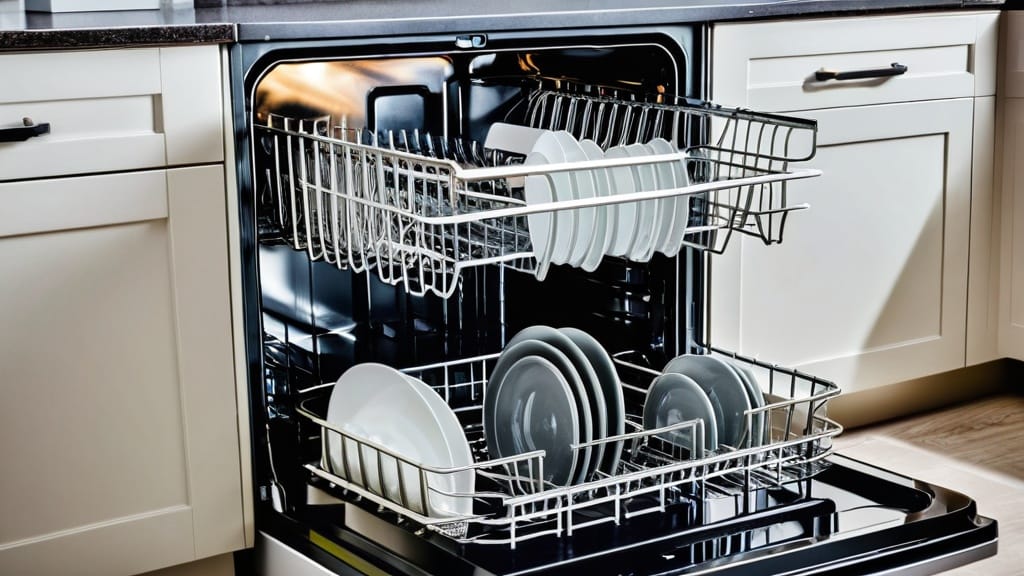
The dishwasher’s door latch assembly acts as a crucial safety interlock, preventing the machine from operating unless the door is securely closed. When this system malfunctions, the dishwasher’s control logic will prevent any cycle from starting, much like a car refusing to turn over without the seatbelt fastened.
Inspecting the Door Latch Mechanism
Begin by examining the door latch itself. Look for any visible signs of damage, such as cracks, bends, or missing components on the latch mechanism located on the dishwasher door and the corresponding strike plate on the dishwasher tub. Over time, plastic components can become brittle and break, or metal parts can bend out of alignment. If the latch visibly appears broken or misaligned, it may not be engaging correctly, preventing the internal switch from activating.
Ensure that the door closes firmly and smoothly. If you feel resistance or hear an unusual sound when closing the door, it could indicate a physical obstruction or misalignment that is preventing the latch from fully engaging. Try gently wiggling the door when it’s closed to see if it makes a more secure connection.
Testing the Door Switch for Continuity
The door latch assembly typically contains a small electrical switch, often referred to as a “door switch” or “interlock switch.” This switch must close (establish continuity) for the dishwasher to operate. If the physical latch appears intact, the internal switch might be faulty.
To test the door switch, you will need a multimeter. Ensure the dishwasher is unplugged from the power source before proceeding. Locate the door switch, which is usually integrated into the latch assembly and can be accessed by removing the inner panel of the dishwasher door or the control panel. Disconnect the wires leading to the switch. Set your multimeter to the continuity setting (often indicated by a beep or an ohm symbol). Place the multimeter leads on the terminals of the door switch.
With the door open (or the switch in its “open” position if removed), the multimeter should show an open circuit (no continuity). Now, manually press the switch plunger or engage the latch as if the door were closed. The multimeter should now show continuity (a beep or a low resistance reading). If the switch fails to show continuity when engaged, or if it shows continuity when disengaged, the switch is faulty and needs to be replaced. This is a common wear-and-tear component and a relatively inexpensive part to acquire.
Control Panel and Board Faults
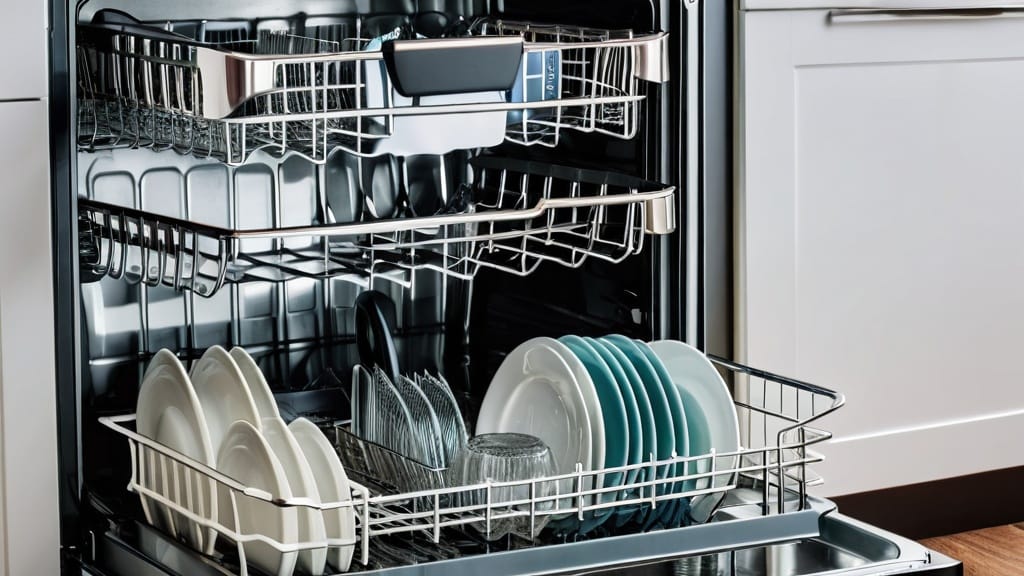
The control panel and main control board are the brain of your dishwasher, responsible for interpreting your commands and orchestrating the various washing cycles. When these components malfunction, the dishwasher can exhibit a range of confusing behaviors, from being completely unresponsive to displaying erroneous error codes.
Addressing Sleep/Standby Modes and Control Locks
Modern dishwashers often incorporate energy-saving features like “sleep” or “standby” modes, or safety features such as a “control lock.” Before assuming a complete system failure, verify that your dishwasher isn’t simply in one of these intended states.
Consult your dishwasher’s user manual to understand how to activate and deactivate these modes. A common sign of a control lock is flashing lights on the control panel or a specific indicator lamp illuminated. Often, holding down a particular button (e.g., “Start/Reset” or “Lock”) for a few seconds will toggle the lock feature. Similarly, if the dishwasher has been idle for an extended period, it might enter a sleep mode from which it needs to be awakened by pressing any button or simply opening and closing the door.
A general power reset, as discussed earlier, can also serve to clear these temporary states, effectively giving the control system a fresh start.
Resetting the Control Board
If the control panel remains unresponsive or displays unusual behavior despite checking for locks or standby modes, a more direct reset of the control board might be necessary. This typically involves unplugging the dishwasher for at least one minute, similar to the general reset discussed earlier, but with the specific intent of forcing the control board’s integrated circuits to clear their current operational state. Some models may have a specific reset procedure outlined in their manual, often involving a sequence of button presses; if available, prioritize this method.
Inspecting for Burnt Components
In rare but serious cases, a malfunction in the control board itself can manifest as visible damage. Always ensure the dishwasher is unplugged and fully de-energized before performing this inspection. Carefully access the main control board, which is usually located behind the control panel or in a housing at the bottom of the dishwasher. Look for any signs of burnt resistors, swollen capacitors, or discolored areas on the circuit board. These are clear indicators of component failure due to overheating or a power surge. If you observe such damage, the control board is likely beyond repair and will need to be replaced. This is typically a job for a professional, as control boards are expensive and require careful handling and installation to avoid further damage.
Water Supply Failures
| Metric | Description | Typical Value | Possible Issue |
|---|---|---|---|
| Water Temperature | Temperature of water entering dishwasher | 120°F – 140°F (49°C – 60°C) | Too low temperature reduces cleaning efficiency |
| Water Pressure | Pressure of water supply to dishwasher | 20 – 120 psi | Low pressure can cause poor spray coverage |
| Spray Arm Rotation | Rotation speed and freedom of spray arms | Full 360° rotation without obstruction | Clogged or stuck spray arms reduce cleaning |
| Filter Cleanliness | Condition of dishwasher filter | Free of debris and buildup | Clogged filter reduces water flow and cleaning |
| Detergent Amount | Quantity of detergent used per cycle | Manufacturer recommended dose | Too little or expired detergent reduces cleaning |
| Cycle Duration | Length of washing cycle | 1 – 2 hours depending on cycle | Short cycles may not clean thoroughly |
| Water Hardness | Mineral content in water supply | 3 – 10 grains per gallon | Hard water causes spotting and residue |
| Drainage Efficiency | Ability to drain dirty water after cycle | Complete drainage within cycle time | Blocked drain causes dirty water reuse |
A dishwasher relies, quite obviously, on a continuous and adequate supply of water to clean your dishes. If the dishwasher isn’t filling, or isn’t filling sufficiently, the problem can often be traced back to the water inlet system. Think of it as a thirsty garden hose connected to a closed tap – no matter how well the hose works, no water will flow.
Verifying the Water Supply Valve
Your first and simplest check is to ensure that the water supply valve connected to your dishwasher is fully open. This valve is typically located under the sink, where the dishwasher’s inlet hose connects to your home’s cold water line. Accidentally bumping it or a well-meaning but misguided helper might have turned it off. Confirm that the handle or knob is in the “open” position, usually perpendicular to the pipe if it’s a lever handle, or fully rotated counter-clockwise.
Cleaning the Inlet Screen
Just like any appliance that draws water, dishwashers have a screen or filter at the inlet to prevent larger debris from entering the system and damaging internal components. Over time, sediment or mineral deposits from your water supply can accumulate on this screen, restricting water flow.
To access and clean the inlet screen, you will need to turn off the water supply to the dishwasher at the shut-off valve under the sink, and then disconnect the water inlet hose from the dishwasher. Carefully inspect the end of the hose for a small, mesh screen. If you find one, gently remove it (a pair of needle-nose pliers can be helpful) and thoroughly rinse it under running water to remove any accumulated debris. You can use a small brush or toothpick to dislodge stubborn particles. Once clean, reinstall the screen and reconnect the water inlet hose, ensuring a tight, leak-free connection, then turn the water supply back on.
Testing the Float Switch and Inlet Valve Solenoid
The dishwasher’s fill mechanism is governed by two key components: the float switch and the inlet valve solenoid.
The float switch is a safety device located at the bottom of the dishwasher tub. It consists of a plastic float that rises with the water level. When the water reaches a predetermined maximum, the float lifts, activating a switch that signals the control board to stop filling. If this float is stuck, obstructed, or the switch itself is faulty, the dishwasher won’t know when to stop or start filling. Visually inspect the float for obstructions or damage. With the power disconnected, you can usually manually lift the float to ensure it moves freely. To test the switch with a multimeter (on the continuity setting), you’ll need to remove it (consult your manual for location and removal instructions). It should show continuity when the float is up and no continuity when it’s down.
The inlet valve solenoid is the electromechanical component that opens and closes to allow water into the dishwasher. It’s normally closed and opens when the control board sends an electrical signal. With the dishwasher unplugged and the water supply turned off, locate the inlet valve (where the water inlet hose connects to the dishwasher). Disconnect the electrical connectors from the solenoid. Using a multimeter set to the ohms (resistance) setting, test for continuity across the solenoid terminals. A functional solenoid will typically show a specific resistance reading (check your dishwasher’s specifications, but usually between 20 to 200 ohms). If the multimeter shows no continuity (an open circuit or infinite resistance), the solenoid coil is likely burnt out, and the inlet valve needs to be replaced. If there is continuity but the dishwasher still isn’t filling, the valve might be mechanically seized or clogged internally, still necessitating replacement.
Filter and Drainage Clogs
A surprisingly common culprit behind a suddenly ineffective dishwasher is a clogged filter or drainage system. Imagine trying to shower in a bathtub with a blocked drain – the water just sits there, ineffective and stagnant. Similarly, if your dishwasher can’t properly circulate or expel dirty water, your dishes won’t get clean.
Locating and Cleaning the Filter
Modern dishwashers utilize multi-stage filtration systems designed to capture food particles and prevent them from recirculating onto your dishes or clogging the drain. These filters require regular cleaning, and neglect is a primary cause of poor wash performance.
Your dishwasher’s filter assembly is typically located at the bottom of the wash tub, below the lower spray arm. It usually consists of a coarse filter and a fine mesh filter. To access it, you will generally need to remove the lower dish rack and then unscrew or twist the filter assembly to release it. Consult your dishwasher’s owner’s manual for specific instructions on how to remove your model’s filter, as designs vary.
Once removed, take the filter components to your sink. Rinse them thoroughly under warm running water. Use a soft brush (an old toothbrush works well) and a small amount of dish soap to gently scrub away any accumulated food particles, grease, or mineral deposits. Pay particular attention to the fine mesh filter, ensuring all perforations are clear. This accumulation is often a slimy, gritty residue that can be quite tenacious. After cleaning, rinse the components thoroughly to remove any soap residue and then reinstall them carefully, ensuring they are properly seated and secured according to your manual’s instructions. A loose filter can also impair performance.
Checking the Sump Area for Blockages
Below the filter assembly lies the dishwasher’s sump, a basin where water collects before being pumped out. This area is also susceptible to blockages, especially if larger food debris or even small foreign objects (like broken glass, small plastic caps, or pieces of cutlery) bypass the filter or fall into the sump.
After removing the filter, carefully inspect the sump area. Use a flashlight to get a clear view. Look for any visible obstructions that might be impeding water flow or the proper function of the pump impeller. You might find a rogue piece of food, a label from a jar, or even a small item that fell from the dish rack. If you find any such obstructions, carefully remove them by hand or with a pair of pliers, ensuring not to damage any internal components. Be cautious of sharp edges from broken glass.
It’s also worth checking the drain hose itself for kinks or blockages, especially where it connects to the garbage disposal or under-sink plumbing. A kinked hose will restrict water outflow, causing poor drainage and potentially leaving standing water in the tub. If your dishwasher drains into a garbage disposal, ensure the disposal’s knockout plug was removed during installation. If it wasn’t, the dishwasher will never drain properly.
Heating and Drying Inefficiency
Even if your dishes emerge clean of food particles, they are not truly “clean” until they are dry. If your dishwasher leaves dishes soaking wet or only partially dry, the heating system is typically the culprit. This is analogous to a clothes dryer that tumbles clothes but fails to apply heat, leaving them damp and unusable.
Testing the Heating Element
The heating element is responsible for raising the water temperature during the wash cycle and for generating heat during the drying cycle. A defective heating element is a common cause of poor drying performance and can also contribute to ineffective cleaning if the water isn’t reaching its optimal temperature.
DANGER: Ensure the dishwasher is completely unplugged and de-energized before performing this test. The heating element is a large, often U-shaped, metal rod located at the bottom of the dishwasher tub. It is usually secured by nuts or clamps and has two electrical terminals at one end, typically accessible from the underside of the dishwasher.
To test the heating element, you will need a multimeter. Set the multimeter to the ohms (resistance) setting. Disconnect the two electrical wires from the heating element’s terminals. Place one multimeter lead on each terminal of the heating element.
A functional heating element will typically show a resistance reading. The exact resistance will vary by model and wattage, but it’s usually in the range of 10 to 30 ohms. If your multimeter displays an “OL” (overload) or infinity symbol, it indicates an open circuit, meaning the heating element has failed and needs to be replaced. This signifies a break in the internal coil of the element. If you get a reading within the expected range, the heating element itself is likely functional, and the problem may lie elsewhere in the heating circuit or the control board.
Checking the Thermostat for Continuity
The dishwasher’s thermostat, sometimes called a high-limit thermostat or thermal cut-out, is a safety device that monitors the temperature inside the tub. It ensures that the dishwasher doesn’t overheat and cuts power to the heating element if temperatures become dangerously high. A faulty thermostat can either prevent the heating element from receiving power or trigger prematurely, leading to inefficient heating and drying.
The thermostat is usually a small, disc-shaped component that attaches to the side of the wash tub or another part of the heating assembly. It will have two wires connected to it. Again, ensure the dishwasher is unplugged before proceeding. Disconnect the wires from the thermostat.
Using your multimeter on the continuity setting, place one lead on each terminal of the thermostat. A functional thermostat should show continuity (a beep or a low resistance reading) when cold. If the thermostat shows “OL” or no continuity, it has failed in the open position, meaning it’s permanently preventing power from reaching the heating element, and it needs to be replaced. If it shows continuity, it might still trip at the wrong temperature, but the continuity test confirms its basic circuit integrity. A more advanced test would involve heating the thermostat and checking for a break in continuity at its rated temperature, but this is often impractical for the home diagnostician. A non-responsive heating element when the element itself tests fine often implicates the thermostat as the next logical point of failure.
FAQs
Why is my dishwasher suddenly not cleaning dishes properly?
There are several common reasons why a dishwasher may stop cleaning effectively, including clogged spray arms, a dirty or clogged filter, using the wrong detergent, low water temperature, or a malfunctioning pump or motor.
How can I check if the spray arms are causing poor cleaning performance?
Remove the spray arms and inspect them for clogs or debris. Clean out any blocked holes with a toothpick or small brush to ensure water can flow freely during the wash cycle.
What role does the dishwasher filter play in cleaning dishes?
The filter traps food particles and debris to prevent them from recirculating onto dishes. A clogged or dirty filter can reduce water flow and cleaning efficiency, so it should be cleaned regularly according to the manufacturer’s instructions.
Can the type of detergent affect dishwasher cleaning results?
Yes, using the wrong type or an insufficient amount of detergent can lead to poor cleaning. Always use a detergent recommended for dishwashers and follow the dosage guidelines on the packaging.
How does water temperature impact dishwasher cleaning performance?
Dishwashers typically require water temperatures between 120°F and 150°F (49°C to 66°C) for optimal cleaning. If the water is too cold, detergent may not dissolve properly, and grease or food residues may not be effectively removed.